A content calendar should make your next writing decision easier. It does not need to fill every day of the month. Start by mapping the work you have time to finish, including review.
Choose a pace you can support
Try one article per week as a planning exercise. Set aside separate time for gathering material, writing, and editing. If that is too much for your team, begin every other week.
For a client website, agree on an approval window before adding publication dates. A date in a spreadsheet does not create review capacity.
Build a small bank of real questions
Collect questions from customer conversations, support emails, and your own sales process. Remove any personal details before using that material in an AI service.
Choose questions you can answer with experience. A useful first month might explain a common problem, compare two approaches, walk through a process, and answer a frequent follow-up question.
Give each idea a job
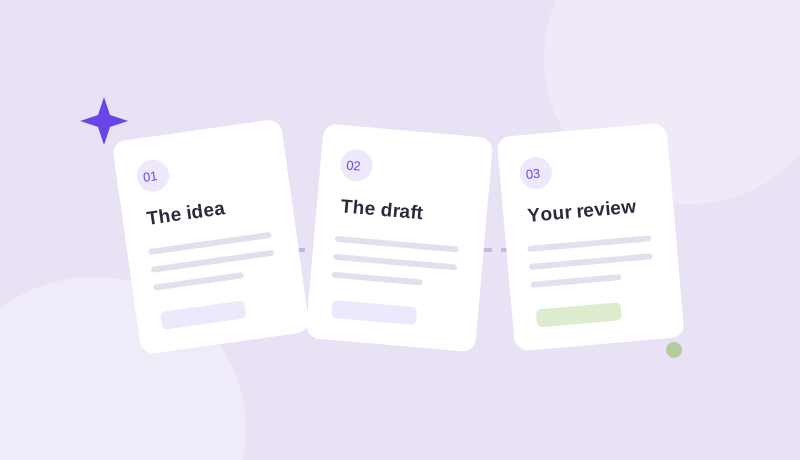
For every entry, record the intended reader, the question it answers, a source or example, a draft owner, and a reviewer. These details make it easier to spot an idea that is too broad before someone starts writing.
Monday: agree on the brief. Tuesday: gather examples and draft. Thursday: review and revise. Friday: approve and schedule when appropriate. Change the days to fit your team.
Leave room for the real world
Keep an open slot for a timely topic or an article that needs more work. Avoid moving an unfinished piece straight to publication just to preserve the calendar.
In WordPress, check the website timezone when you schedule. Keep draft preparation dates separate from confirmed publication times, especially if clients approve content asynchronously.
Review the calendar each month
Look at which questions still need an answer and which published articles need clarification. Ask the team where the process felt slow. Adjust the cadence before expanding it.
When the routine is comfortable, recurring draft preparation can help make the next piece easier to start. Explore how BlogDraft handles planning, or begin with our complete content workflow guide.